

How to List an Event
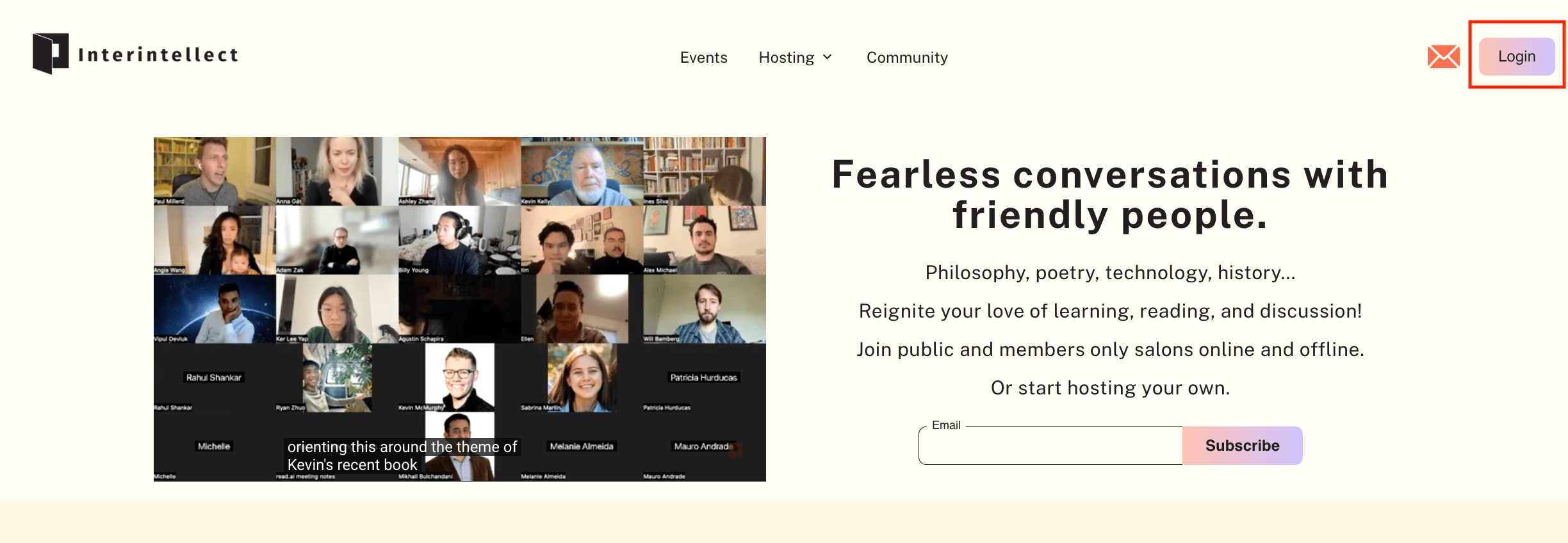
1. Login or Register on interintellect.com:

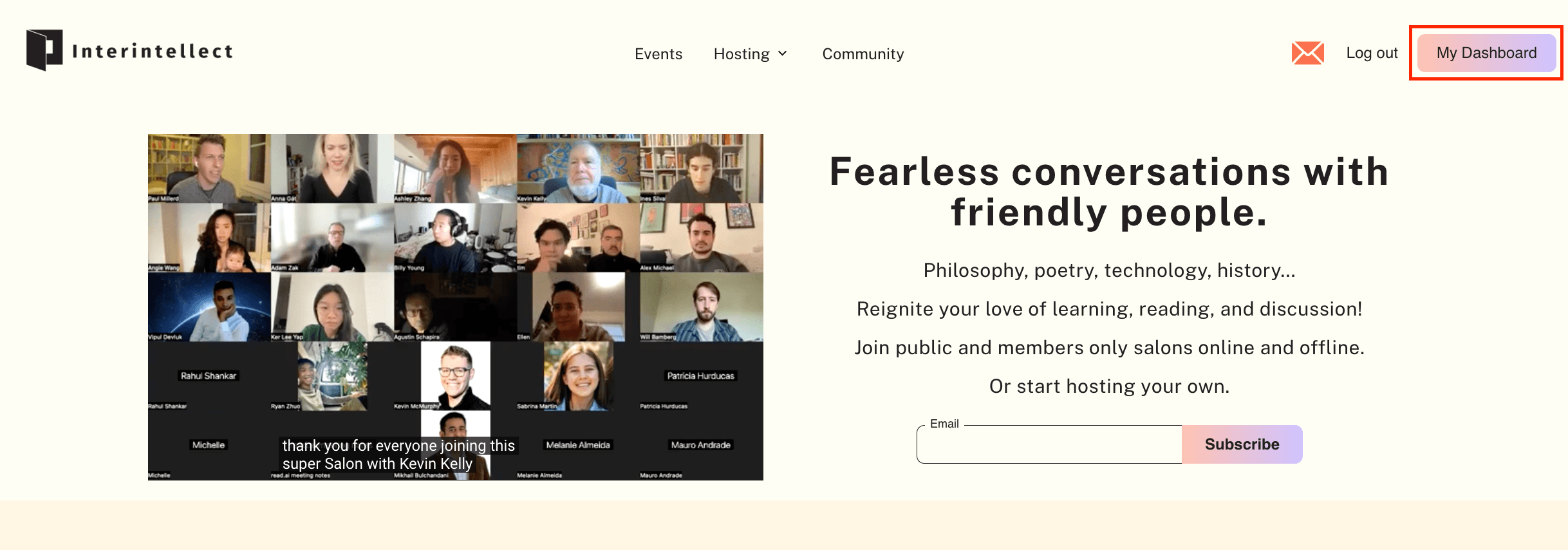
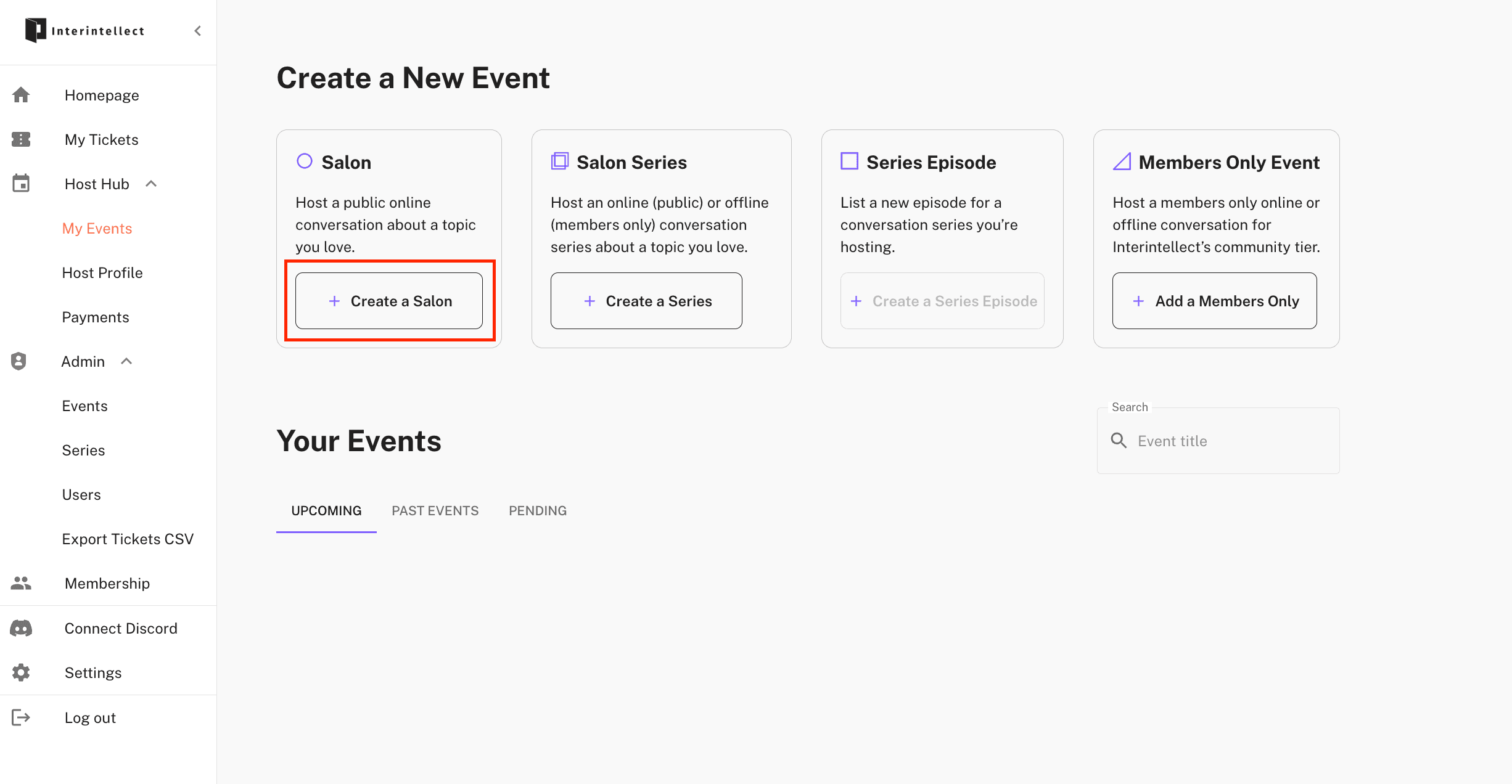
2. Go to your Dashboard and Create a Salon
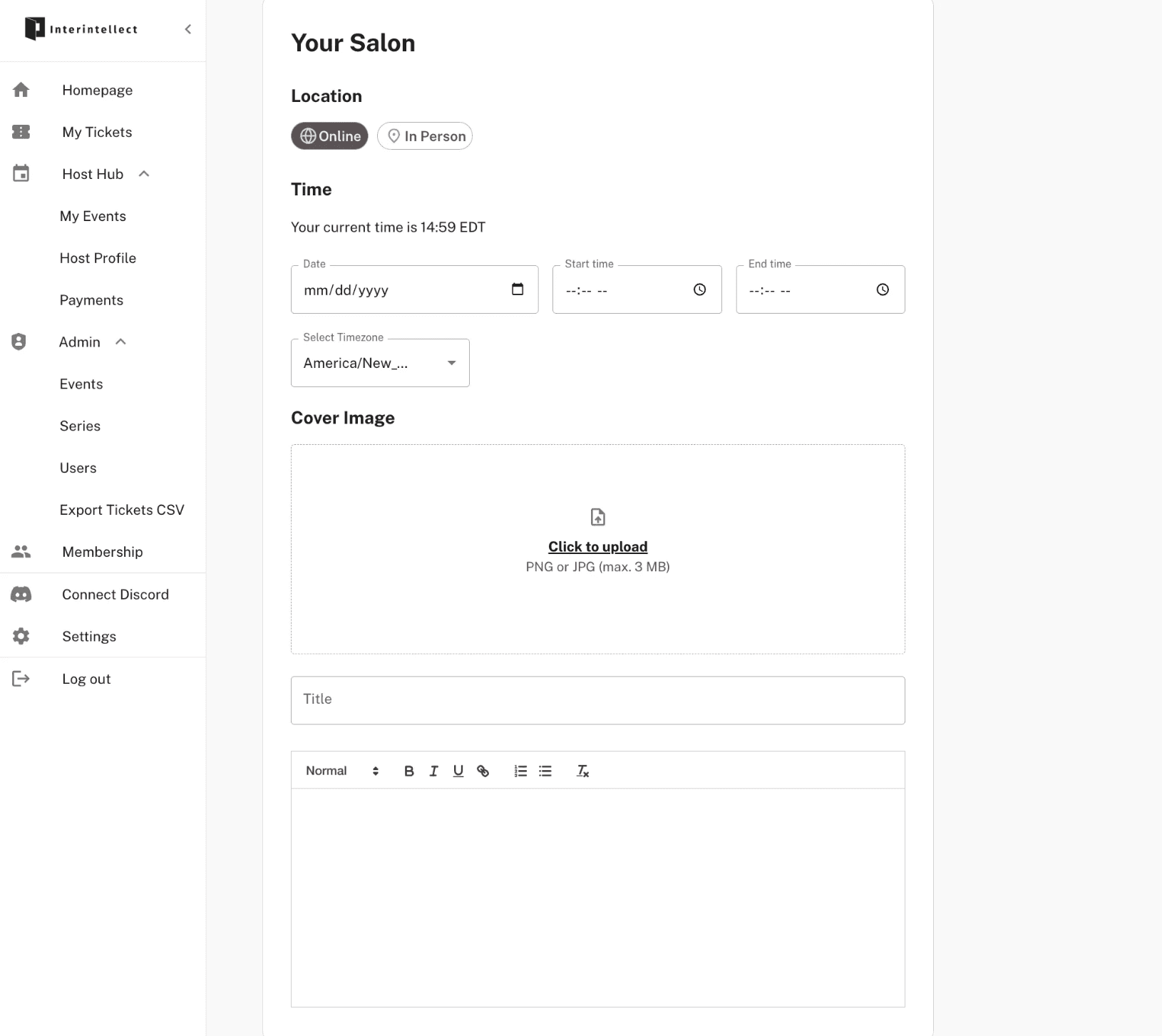
3. Fill in the Time, Event Graphic, Title, and Description
4. Create Your Audience
We recommend a default audience size of 30 and ticket price of $20.
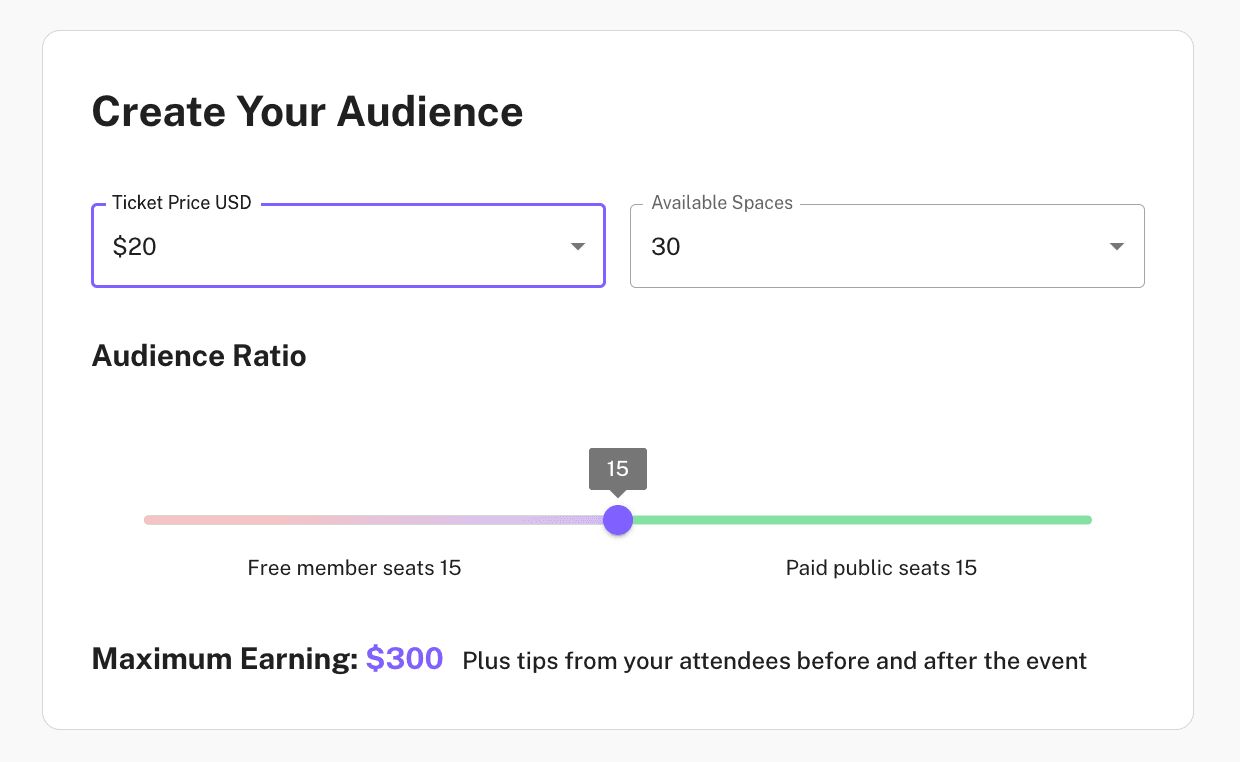
Half of the available spaces is always reserved for Interintellect members, who attend salons for free.
Hosts receive 85% of ticket revenue and 100% of any tips received.
Ticket payments are processed through Stripe and typically arrive within 1–2 business days after purchase.
For full details, please refer to our Host Agreement.
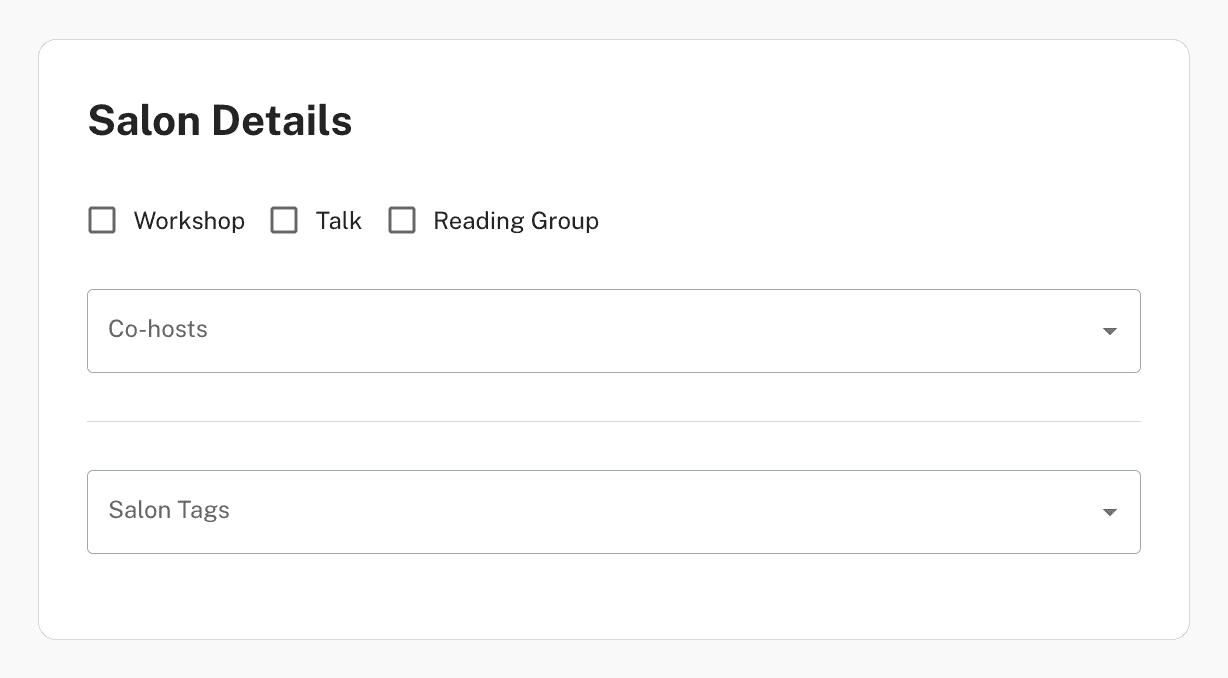
5. Fill in Salon Details (Optional)
Here, you may add a co-host to your salon (they must be an existing Interintellect user) so they can edit the event through their Event Dashboard, or assign topic tags (e.g., Philosophy, Economics, History) to help categorize your salon.
Please note:
The host who lists the event receives all proceeds from ticket sales.
Co-hosts receive 100% of any tips directed to them.
For more information, please review our Host Agreement.
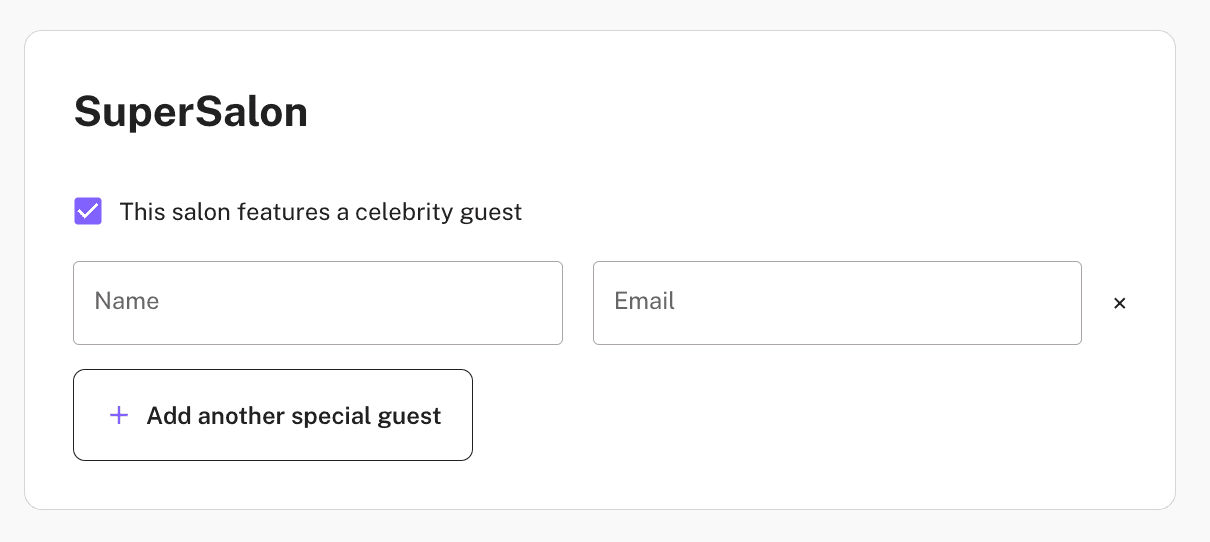
6. SuperSalon: Add A Special Guest (Optional)
If your salon will feature a special guest or speaker, you may enter their name and email address here.
This ensures they receive essential communications, including Zoom access links and event reminders.
7. SuperSalon: Add At Least One Episode (Required)
To move your series forward, you'll need to add at least one episode (ideally all at once).
This helps us review and publish your series with content already in place, so your page is ready for participants from the start.